The Real Reason Claude Code Users Prefer the Terminal
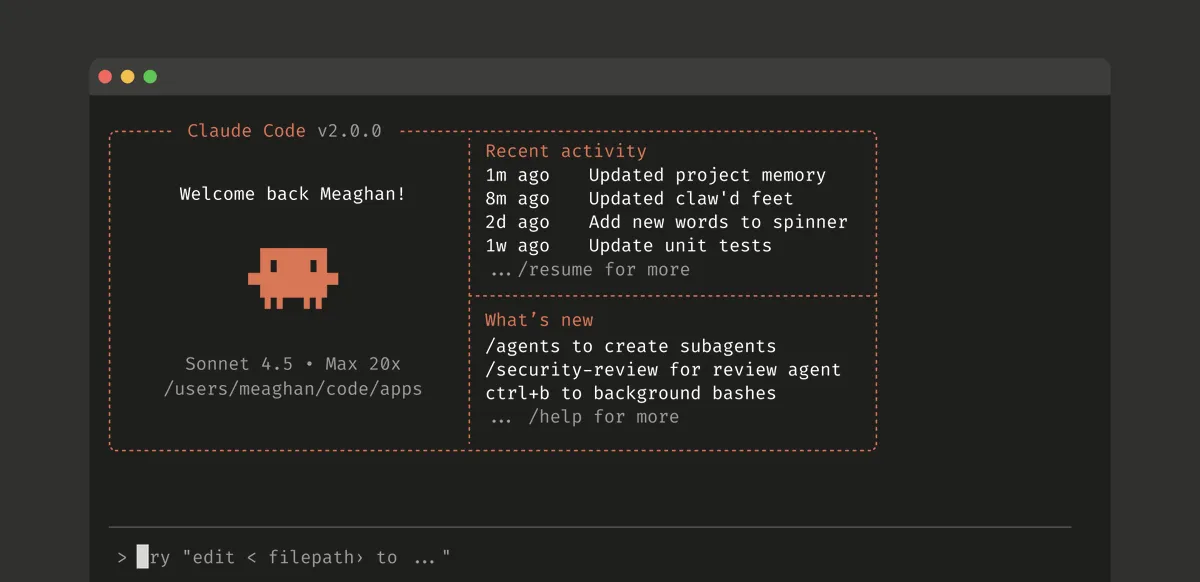
Anthropic asked users their favourite way to use Claude Code: Terminal, VS Code, Desktop App, Mobile, or Web.
Yes, the command line – a plain text application 99% of Mac users never open. No buttons. Just a blinking cursor.
Why would anyone prefer it?
Because it looks complicated.
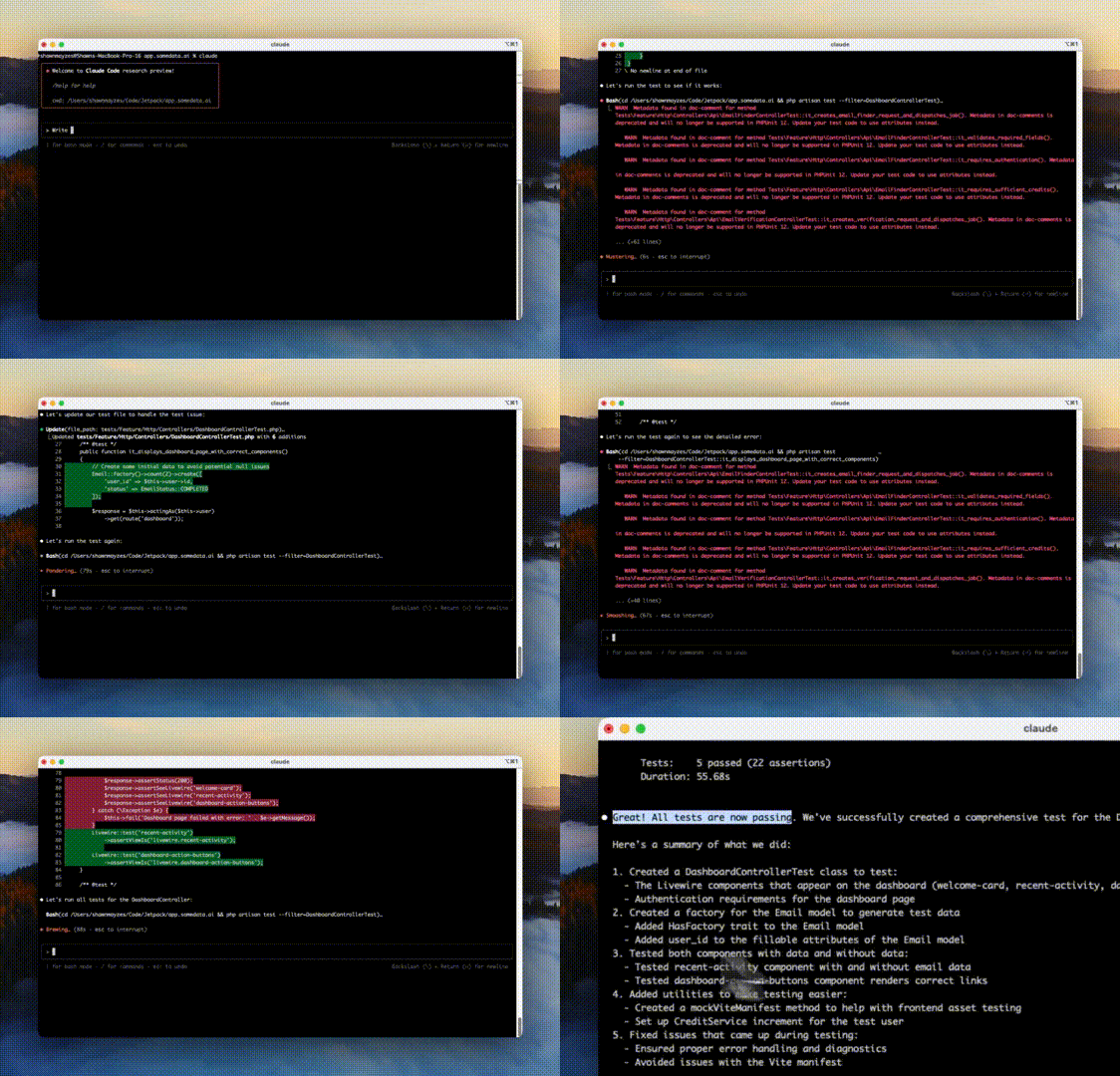
When Claude Code runs in the Terminal, text scrolls by in bright colours. It looks like The Matrix or the clichéd hackers screen from a Hollywood film.
You see, many Claude Code users aren’t career developers. They’re “vibe coders” – prompting AI to write code they couldn’t write themselves. And the process is passive. Type a request. Wait. Get code.
But Claude Code in the Terminal makes it feel alive.
All that scrolling text gives you something to look at. And that constant stream of code creates a sense of momentum. It’s far more satisfying than staring at “Thinking…” for 60 seconds on Claude on the web.
There’s something else here too. In a world dominated by the GUI, the command line signals technical skill. By using it, vibe coders get to feel like “real” developers – even if they’re just typing prompts in English.
That’s the curious irony. The Claude Code interface that looks the most technical is preferred by some of the least technical users. Because the Terminal doesn’t just display – it performs. Technical theatre at its finest.